2026.11.10
How to Adjust Your KYOSI Titanium Apple Watch Band
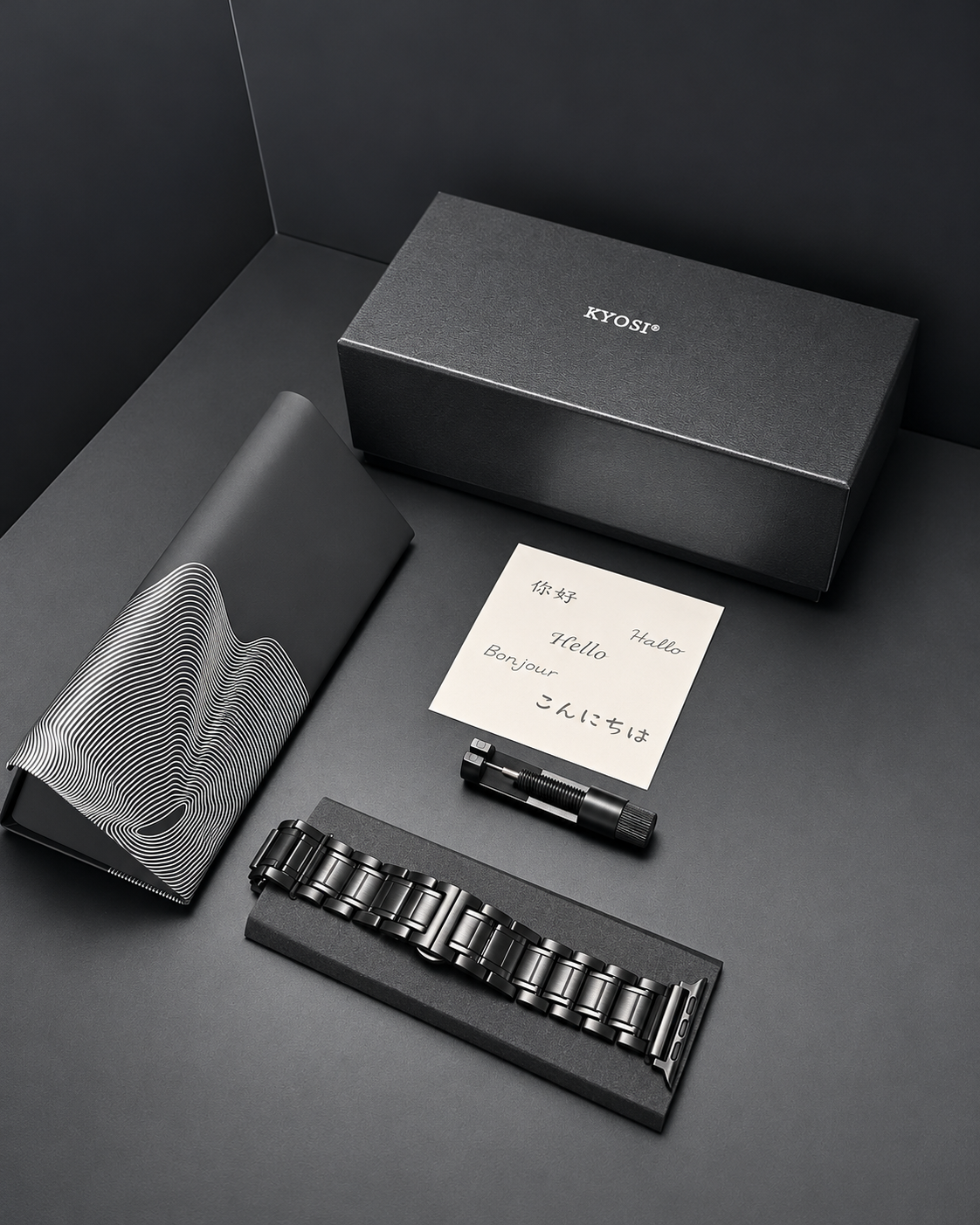
A perfect fit makes all the difference.
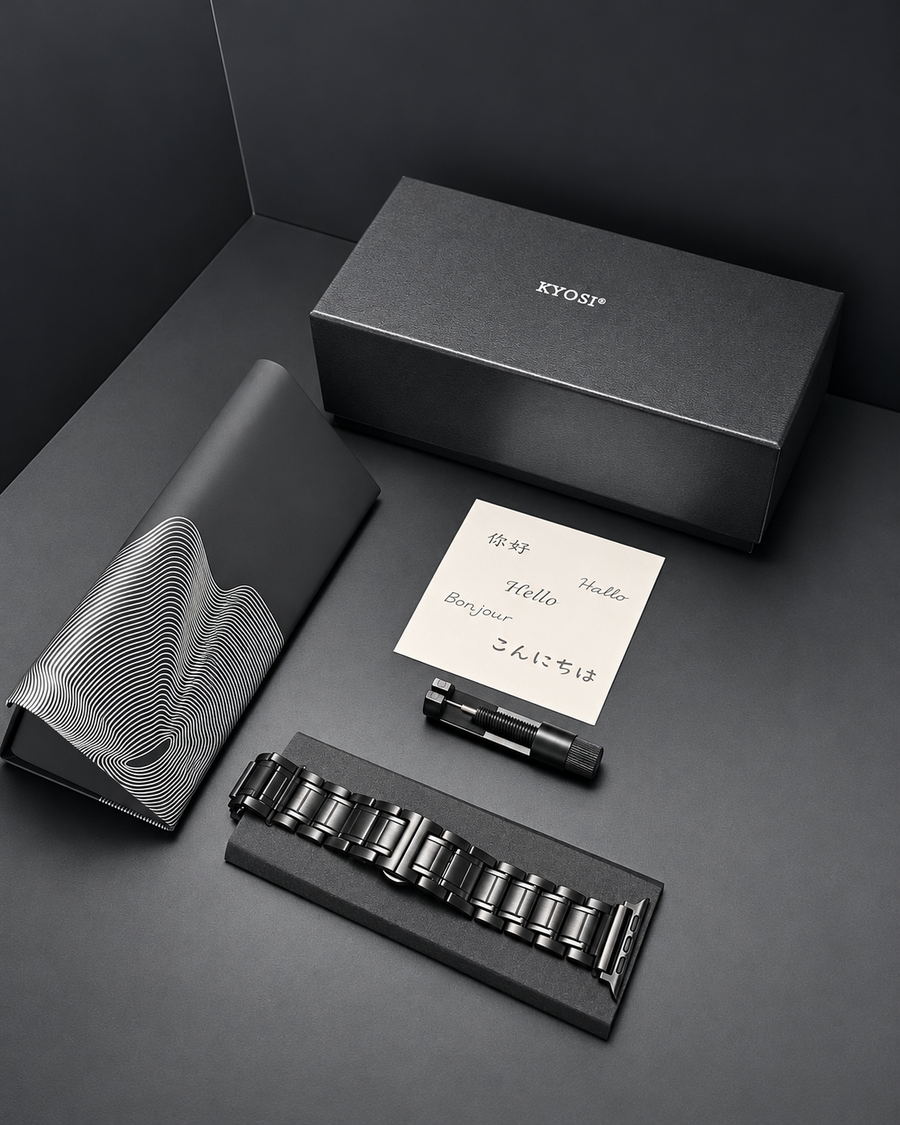
Your KYOSI Titanium Apple Watch Band features removable links, allowing you to adjust its length to better fit your wrist.
Whether you need to remove links, reconnect the bracelet, or change the Apple Watch connector, follow our video tutorial and the simple steps below.
1. Identify the Correct Pin Direction
Before removing any links, carefully examine the small connecting pins along the side of the bracelet.
First, locate the rounded-head side of the pin.
This is the most important step before using the link removal tool.
Follow the direction demonstrated in the video to position the tool correctly. Never force a pin in the wrong direction.
2. Remove the Bracelet Links
Place the bracelet securely into the link removal tool.
Align the tool's pin with the bracelet's connecting pin, then slowly turn the handle to push the pin out.
Once the connecting pin is removed, the link can be separated.
Repeat the process to remove the number of links needed for your wrist.
Tip: Try to remove links evenly from both sides of the bracelet to help keep the clasp centered.
3. Reconnect the Bracelet
Once you have reached your desired length, align the remaining links carefully.
Position the connecting pin with its rounded head facing the correct direction, as shown in the video.
Use the link removal tool to guide the pin back into place.
Make sure the pin is fully seated and the links are securely connected before wearing the bracelet.
4. How to Reinstall the Connecting Pin
Make sure all connecting pins are fully seated and secure before wearing your bracelet.
5. Change the Apple Watch Connector
Your KYOSI bracelet also supports interchangeable Apple Watch connectors in different sizes.
To change the connector:
-
Locate the small release switch on the connector.
-
Operate the switch to release the existing connector.
-
Carefully remove the connector.
-
Align the replacement connector with the bracelet.
-
Slide it into position and make sure it is securely locked.
Choose the connector size compatible with your Apple Watch.
Before Wearing Your Bracelet
Take a moment to check:
-
All connecting pins are fully installed.
-
Every link is securely connected.
-
The bracelet clasp works properly.
-
The Apple Watch connector is firmly locked.
-
The bracelet fits comfortably around your wrist.
Once everything is secure, your bracelet is ready to wear.
Still Need Help?
Our KYOSI support team is here to help. If you have any questions about adjusting your bracelet, please contact us(kyosidesign@hotmail.com).
KYOSI — Please love yourself well.